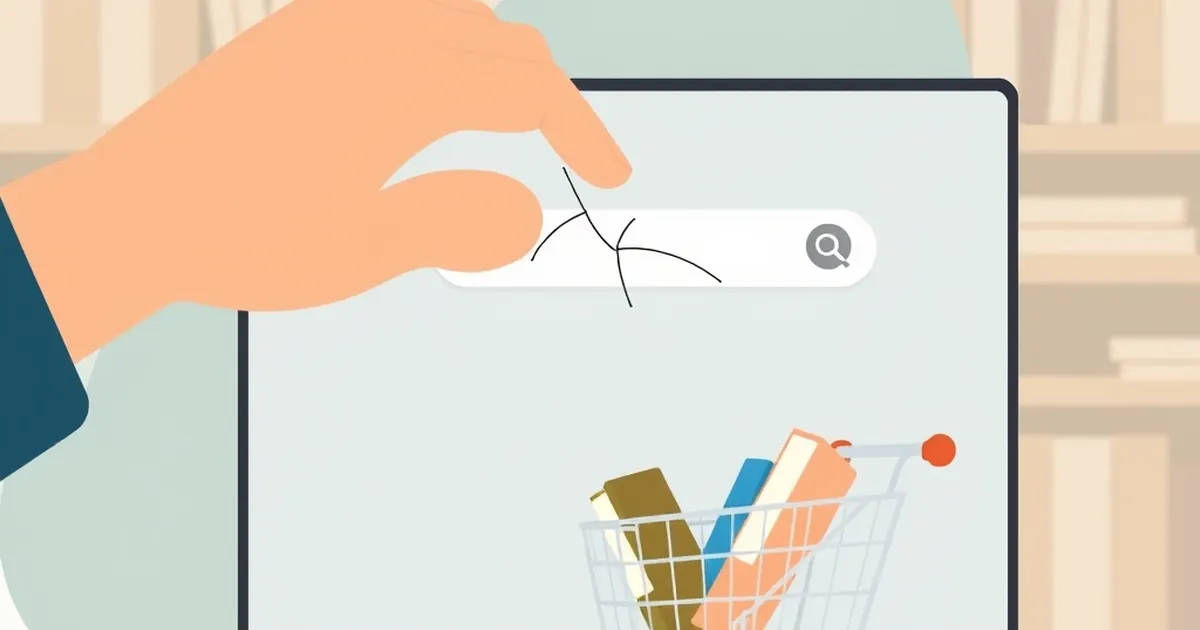
The search bar on Bookshop.org has been broken for weeks. Type in a title, and you’re met with a spinner that spins into eternity, or worse, a list of results that has nothing to do with your query. It’s a maddening glitch for a platform built on the noble mission of supporting local bookstores. But after my third attempt to find a specific memoir, I realized the broken search bar wasn’t just a technical failure—it was a masterclass in friction, and it completely changed how I think about my own checkout process.
We obsess over the final "Buy" button, but the journey there is paved with a thousand tiny decisions. If the path to the cart is littered with broken links and dead ends, the customer never gets the chance to abandon the cart—they abandon the intent first. That frustrating experience forced me to audit my own shop’s workflow, and I found that we were guilty of the same sin: we were so focused on the destination that we ignored the potholes in the road.
The Cost of a Broken Path to Purchase
For an independent bookstore, discovery is everything. Unlike Amazon’s algorithmic behemoth, we rely on serendipity—browsing a shelf, reading a staff pick, or typing a vague memory of a cover into a search box. When that search function fails, you’re not just losing a sale; you’re losing the customer’s trust in your ability to curate.
In my own shop, I realized we had a digital equivalent of this problem. Our "Search" worked, but our "Filter by Genre" button on the results page was glitchy. A customer searching for "cozy mystery" would get results, but clicking the "Hardcover" filter would sometimes wipe the list clean. It was a minor bug, but it created a dead end. The customer had to back out, start over, and re-type. That extra thirty seconds of cognitive load is often the difference between a completed sale and a closed browser tab.
The "Good Enough" Trap
We rationalized the bug for weeks. "It’s only a small percentage of users," we told ourselves. But Bookshop.org’s issue proved that "good enough" is a death sentence for niche retailers. When you don't have the scale to absorb frustration, every single broken interaction is a referendum on your entire business. A customer who hits a dead end doesn't blame the code; they blame the bookshop.
Applying the "Search Bar" Test to Checkout
The lesson wasn’t about fixing a search bar; it was about auditing the entire journey with fresh eyes. I started walking through our checkout as a brand-new customer, not as the owner who knows every workaround. I looked for the friction points—the places where I had to think too hard or make an extra click.
Here is the concrete example that changed everything. Our checkout required a separate billing and shipping address form, even if they were identical. We had a checkbox for "Same as shipping," but it was buried at the bottom of the form. I watched a friend test it, and she missed the checkbox, filled out the billing form, and then accidentally used a typo in her ZIP code. The payment gateway rejected it, and she gave up, saying, "I’ll just get it on Amazon."
That was my "broken search bar" moment. The fix was simple—we moved the checkbox to the top and made it the default. We also added a progress indicator, so customers know they're on step 2 of 3, not wandering in a void. The result was a 12% drop in cart abandonment within a month.
The Takeaway: Fix the Glue, Not Just the Cart
The most important part of your store isn’t the product page or the thank-you email; it’s the glue that holds them together. It’s the search bar that finds the book, the filter that narrows the list, and the address field that doesn’t ask for redundant information. These are the unglamorous, invisible parts of the infrastructure that make the sale feel effortless.
Bookshop.org’s search bar is still broken, but I’m grateful for the reminder. It forced me to stop looking at my own checkout as a transaction and start looking at it as a conversation. The next time you see a customer bounce from your site, don’t ask "Why didn’t they buy?" Ask "Where did we make them stop?" The answer is usually not in the checkout cart, but in the clumsy steps leading up to it. Go fix the glue.